
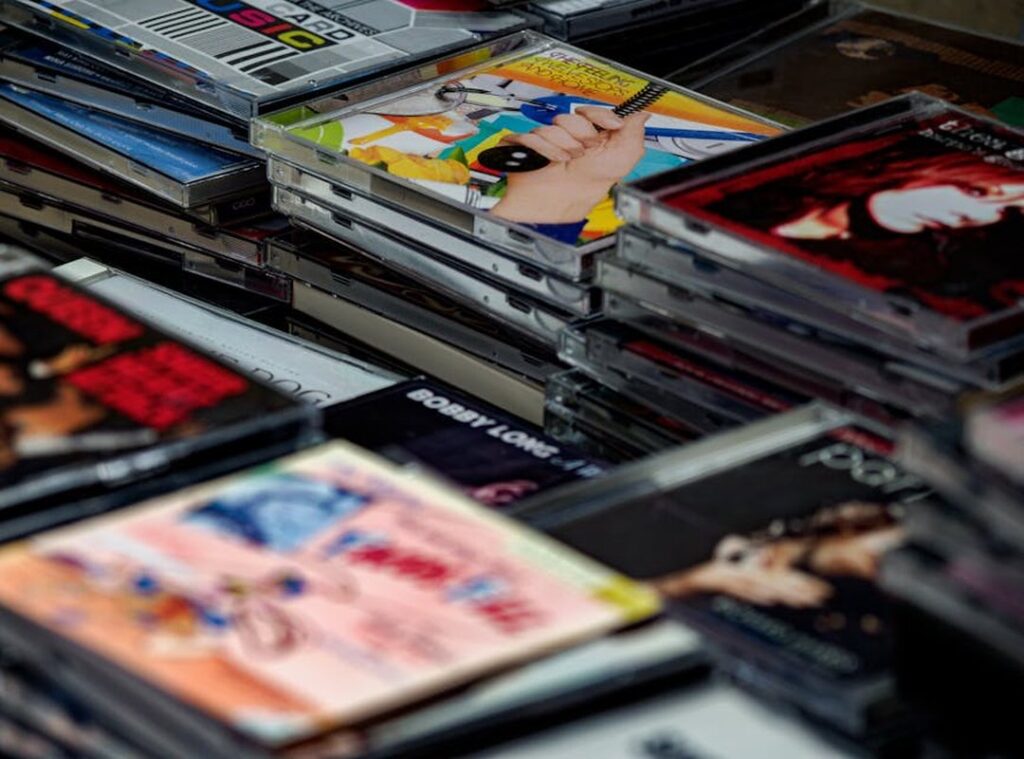
You want that full album, and you want it now. I get it. No one likes waiting around or dealing with a bunch of hassle.
But let’s be real, finding the right place to download can be confusing. You might be wondering, is this site legal? Is my computer safe?
What about the audio quality?
I’m here to cut through all that noise. This guide will give you clear, actionable steps. You’ll get a list of the best album download sites.
We’ll break down free vs. paid options. And I’ll walk you through a simple step-by-step tutorial.
The end goal? A personal, permanent music library that you control. No more relying on streaming services.
Your music, your way, and let’s dive in.
The Top 4 Legal Platforms for Album Downloads in 2024
When it comes to building a music collection, digital music storefronts are the best source for legal downloads.
Bandcamp is perfect for supporting independent artists and finding unique, niche music.
Qobuz stands out for audiophiles who crave high-resolution audio.
Amazon Music offers unmatched convenience and a vast selection.
The iTunes Store is ideal for Apple users, with seamless integration across devices.
- Bandcamp: Best for indie music and direct artist support.
- Qobuz: Ideal for high-quality, lossless audio.
- Amazon Music: Offers a huge catalog and easy access.
- iTunes Store: Perfect for Apple ecosystem users.
Comparison Chart
- Price per Album:
- Bandcamp: Varies, often $10-$15
- Qobuz: $10-$20
- Amazon Music: $8-$15
-
iTunes Store: $9-$15
-
Audio Formats:
- Bandcamp: MP3, FLAC, Lossless
- Qobuz: FLAC, Lossless
- Amazon Music: MP3, FLAC, Lossless
-
iTunes Store: AAC, Lossless
-
Catalog Size:
- Bandcamp: Medium, focused on indie
- Qobuz: Large, with a focus on classical and jazz
- Amazon Music: Very large, diverse genres
- iTunes Store: Very large, diverse genres
It’s important to understand the difference between downloading for offline listening on services like Spotify or Apple Music and actually purchasing and owning the music files. When you download for offline listening, you’re essentially caching the music temporarily. You don’t own it, and it can be removed if your subscription ends.
On the other hand, when you buy an album download, you own the file. You can keep it, transfer it, and listen to it even if the service goes away.
For beginners just starting their collection, I recommend Amazon Music. It offers a great balance of price, quality, and a massive catalog. Plus, it’s user-friendly and accessible on multiple devices.
Free vs. Paid Downloads: Understanding the Risks and Rewards
Let’s talk about those tempting ‘free’ album download sites you find through search engines. I get it, they seem like a great deal. But trust me, they’re not worth the risk. Drhparenting
Malware, viruses, spyware—these are just a few of the nasty things that can sneak onto your device. And let’s not forget the potential legal consequences. It’s a minefield out there.
The audio quality from illegal sites and YouTube rippers is almost always terrible. Low bitrate MP3s sound like they were recorded in a tin can. Paid sources, on the other hand, offer high-quality audio that does justice to the music.
But what if you still want free music? There are legitimate ways to get it. Check out artist promotions on Bandcamp, free mixtapes on platforms like DatPiff, and music from the public domain, such as the Free Music Archive.
So, why pay for music, and simple. It directly supports the artists, guarantees safety, and provides superior sound quality.
Plus, you get the satisfaction of knowing you’re doing the right thing.
How to Download an Album: A Step-by-Step Walkthrough
Finding and downloading an album can be a breeze if you know the steps. Let’s use Bandcamp as our example.
First, head over to Bandcamp. Use the search bar at the top to find the specific album you want. Type in the artist or album name and hit enter.
Once you find it, click on the album to open its page. You’ll see different formats available for download.
High-Quality vs. Standard Formats:
– FLAC (Free Lossless Audio Codec): This is like a digital perfect copy. It’s great if storage isn’t an issue.
– MP3: This is a smaller file size, good for phones and devices with limited storage.
I recommend FLAC if you have the space. The sound quality is noticeably better.
Next, choose your format and click “Buy.” You’ll need to enter your payment details. Once the transaction is complete, you’ll get a download link.
The download will usually come as a .zip file. Don’t worry; it’s just a compressed folder that contains all the music files.
Unzipping on a Computer:
– For Windows, right-click the .zip file and select “Extract All.”
– For Mac, double-click the .zip file, and it will automatically extract.
Unzipping on a Mobile Device:
– On most mobile devices, you can use a file manager app to unzip the .zip file. Just open the app, find the .zip file, and tap to extract.
Pro Tip: Create a dedicated “Music” folder on your device. This keeps everything organized. Also, consider backing up your collection to a cloud service or an external drive.
That way, you won’t lose your album download if something happens to your device.
Start Building Your Perfect Music Library Today
Owning your music through safe, legal album downloads is simple and rewarding. You are now equipped to avoid the risks of illegal sites and make informed choices about where to buy music.
Bandcamp stands out for discovery, Qobuz for its unparalleled quality, and Amazon or iTunes for mainstream convenience. Pick a service that suits your needs and download your first album today. This is your first step toward creating a personal, high-quality music collection that will last a lifetime.
